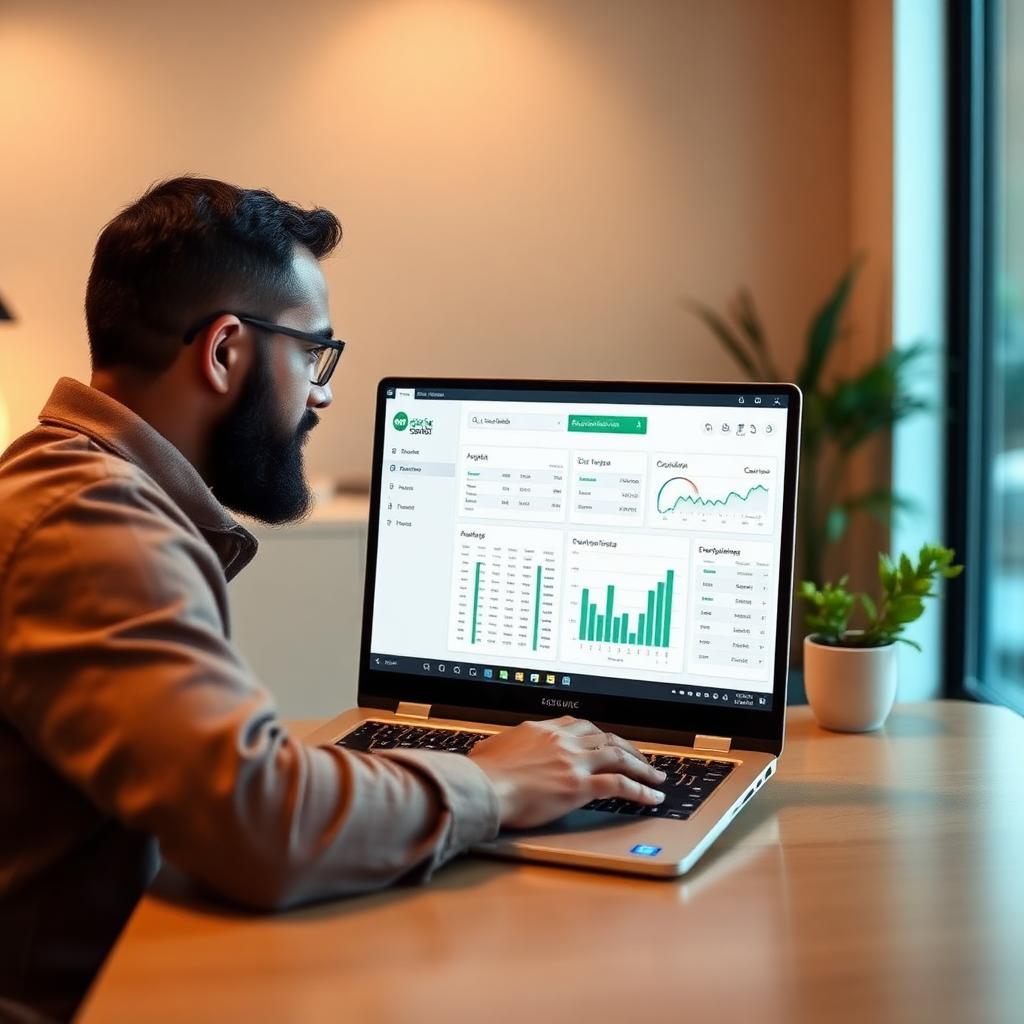

If you've ever copied a customer's information from an email into your CRM, then typed it again into your invoicing software, and then again into a spreadsheet to track inventory, you already understand the problem with software integration small business Inland Empire owners face every day. Disconnected tools don't just waste time — they create errors, delay invoices, and make it harder to see what's actually happening in your business. The good news is that fixing this doesn't require ripping out the tools you already use. It just requires connecting them.
At SimpleTech Helper, we work with small businesses across Montclair, CA and the greater Inland Empire to identify the manual, repetitive tasks eating up staff time — and replace them with automated connections between the software they already own. Below are the three integrations that consistently return the most time to small business owners, often more than 10 hours a week across a small team.
Why Software Integration Matters for Inland Empire Small Businesses
Direct answer: Disconnected software forces employees to manually re-enter the same data multiple times, and that manual work is where hours disappear every week. For a small business in Montclair, CA with two to ten employees, even 20-30 minutes of duplicate data entry per person per day adds up to dozens of hours a month — hours that could go toward sales calls, customer service, or simply going home on time.
The U.S. Small Business Administration has long pointed to operational efficiency as one of the biggest levers small businesses have for competing with larger companies that have dedicated back-office staff (sba.gov). When a 5-person company in Ontario, CA doesn't have an IT department, every minute spent on manual data entry is a minute not spent serving customers. That's the core argument for software integration small business Inland Empire companies should take seriously this year.
1. CRM and Email/Calendar Integration: End the Copy-Paste Cycle
Direct answer: Connecting your CRM to your email and calendar means every new lead, appointment, and follow-up gets logged automatically — no more manually transferring contact details between inboxes and spreadsheets.
What This Looks Like in Practice
For a service business in Upland, CA, this might mean a new inquiry from your website automatically creates a CRM record, schedules a follow-up task, and adds a calendar reminder for the assigned team member — all without anyone touching a keyboard. For a clinic or professional office in Rancho Cucamonga, it could mean appointment confirmations and reminders send themselves, cutting down on no-shows without adding to front-desk workload.
Why It's Worth Doing First
CRM integration tends to be the fastest win because nearly every business already uses some combination of email, a calendar, and a CRM or contact list — they're just not talking to each other. SimpleTech Helper typically starts here when building out a software integration small business Inland Empire plan because the time savings show up almost immediately, and staff see the benefit within the first week.
Not sure which of your tools could be connected? SimpleTech Helper offers a free systems review for businesses across the Inland Empire. Call (909) 255-9112 to talk through your current setup — no jargon, no pressure.
2. QuickBooks and Accounting Integration: Automate Invoicing and Bookkeeping
Direct answer: Connecting your point-of-sale, CRM, or project management tool to QuickBooks (or whatever accounting software you use) eliminates the need to manually enter invoices, payments, and expenses twice.
From Job Completion to Invoice — Automatically
Picture a contractor or service company in Claremont, CA that finishes a job, marks it complete in their project tool, and that action automatically generates and sends an invoice through QuickBooks — with the payment terms, line items, and customer details already filled in correctly. No retyping, no transposed numbers, no invoices that sit in a "to-do" pile for a week.
Fewer Errors, Faster Payments
Manual entry is also where most billing mistakes happen — wrong amounts, missed line items, duplicate invoices. Each of those mistakes costs time to fix and can delay payment from a customer. According to data tracked by the Bureau of Labor Statistics, administrative and bookkeeping roles remain among the most time-intensive functions in small businesses, which is exactly why automating this layer has an outsized impact (bls.gov). This is one of the highest-ROI pieces of any software integration small business Inland Empire project, because it directly affects cash flow.
3. Inventory and Ecommerce Integration: Keep Stock Numbers in Sync
Direct answer: Connecting your point-of-sale system, online store, and supplier ordering tools means your inventory counts update everywhere at once, so you stop overselling products you don't have or missing reorders for products you do.
One Sale, One Update, Everywhere
For a retail or ecommerce business in Montclair, CA, a sale made in-store should immediately reduce the count shown on the website — and vice versa. Without that connection, staff are stuck manually adjusting numbers across two or three systems every single day, and mistakes here lead directly to canceled orders, unhappy customers, and lost revenue.
Smarter Reordering
Once inventory data flows automatically between systems, it becomes much easier to set up low-stock alerts and automatic reorder points, so your team isn't discovering a stockout when a customer is standing at the counter. For small businesses across the Inland Empire juggling multiple sales channels, this integration alone often saves several hours a week that were previously spent on manual stock counts and reconciliation.
How SimpleTech Helper Approaches Software Integration for Small Business Inland Empire Clients
Direct answer: SimpleTech Helper starts by mapping out the tools you already use, identifying where staff are duplicating work, and then building integrations that fit your existing workflow — without forcing you to switch software you've already invested time learning.
We've found that most small businesses in Montclair, CA, Upland, Claremont, Ontario, and Rancho Cucamonga don't need an entirely new tech stack. They need the tools they already have to actually talk to each other. That's the difference between a generic software vendor and a local managed IT partner: SimpleTech Helper takes the time to understand how your business actually runs before recommending a single integration. No rushing. No jargon. Just a clear plan and a team that answers the phone when something needs adjusting.
This approach extends across our other services too — from our outsourced IT services to managed IT services in Montclair, software integration is often the first project we tackle because it pays for itself the fastest.
FAQ: Software Integration for Small Businesses
Q: How long does it take to set up software integrations for a small business?
A: Most single integrations (like CRM to email, or POS to accounting) can be configured within a few days to two weeks, depending on the tools involved. SimpleTech Helper scopes this during the initial review so there are no surprises.
Q: Will software integration work with the tools we already use?
A: In most cases, yes. The majority of popular CRM, accounting, ecommerce, and project management platforms offer integration options. SimpleTech Helper evaluates your current software first rather than recommending a replacement.
Q: Is software integration secure?
A: When set up correctly, integrations use secure, permissioned connections between your existing platforms. SimpleTech Helper configures access carefully and reviews it as part of our cybersecurity services.
Q: How much does software integration cost for a small business?
A: Costs vary based on the number of tools and complexity of the workflows involved. Because SimpleTech Helper is a local team in Montclair, CA, we can scope a project accurately after a short conversation — call (909) 255-9112 for a straightforward estimate.
Q: Do we need an in-house IT person to maintain these integrations?
A: No. SimpleTech Helper monitors and maintains integrations as part of our ongoing managed IT services, so small businesses across the Inland Empire don't need to hire dedicated technical staff.
Ready to Get Hours Back Every Week?
If your team is still copying information between systems by hand, software integration small business Inland Empire support from SimpleTech Helper could give you back 10 or more hours a week — time better spent on customers, growth, or simply going home on time. Call SimpleTech Helper today at (909) 255-9112 to schedule your free systems review. No overlays, no shortcuts — just tools that finally work together.
SimpleTech Helper is a managed IT company serving small businesses in Montclair, CA and the Inland Empire including Claremont, Ontario, Upland, and Rancho Cucamonga. Call (909) 255-9112 or visit simpletechhelper.com.