
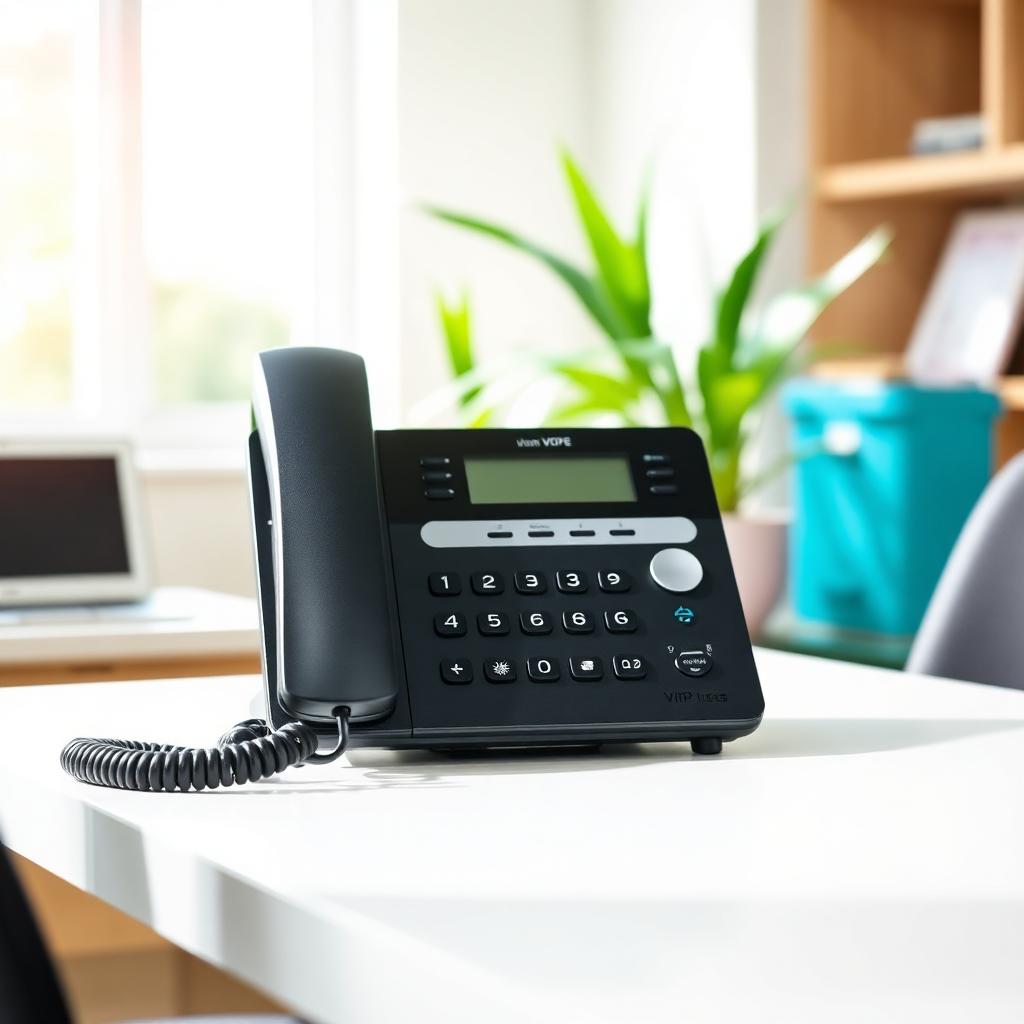
Top 5 Features Your Business Phone System Is Missing (And How to Get Them)
If you're still running your business on a traditional landline or an outdated phone system, you're probably leaving money — and customers — on the table. Business VoIP features Inland Empire companies rely on today have evolved far beyond basic calling. Modern hosted phone systems come packed with tools that streamline operations, improve customer experience, and save your team hours every week.
SimpleTech Helper works with small businesses across the Inland Empire — from Montclair and Ontario to Rancho Cucamonga and Claremont — to upgrade outdated phone systems with modern VoIP solutions. In this post, we'll walk through the top 5 features your phone system is probably missing and exactly how to get them.
Why Your Business Phone System Might Be Holding You Back
Most small businesses in the Inland Empire inherited their phone systems, never upgraded them, or pieced together solutions that don't talk to each other. The result? Missed calls, dropped leads, and a team that wastes time on manual tasks that should be automated.
Modern business VoIP features Inland Empire businesses depend on go well beyond dial tone. They include smart routing, automation, and deep integrations with the tools you already use. Here's what you're missing — and what SimpleTech Helper can do about it.
Feature #1: Auto-Attendant (Virtual Receptionist)
An auto-attendant answers every call with a professional greeting and routes callers to the right department or person — automatically, 24 hours a day. No more missed calls because your receptionist stepped away. No more customers getting a busy signal.
How It Helps Inland Empire Businesses
For a two-person shop in Ontario or a growing medical office in Rancho Cucamonga, an auto-attendant creates a polished, enterprise-level first impression. Callers can press 1 for sales, 2 for support, or 3 to leave a message — and SimpleTech Helper configures it all to match your business hours, team structure, and call flow.
Without this feature, every missed call is a potential lost customer. With it, your phone system works even when you don't.
Feature #2: Voicemail-to-Email (VM-to-Email)
Voicemail-to-email delivers your voicemails as audio attachments — or transcribed text — directly to your inbox the moment someone leaves a message. You can listen from your phone, laptop, or tablet without dialing in or entering a PIN.
Why This Matters for Busy Business Owners
Small business owners in the Inland Empire wear a lot of hats. You're rarely sitting at your desk. With VM-to-email, you hear important messages in seconds, not hours. SimpleTech Helper sets this up as part of every VoIP deployment so nothing slips through the cracks.
This is one of the most-loved business VoIP features Inland Empire clients request after their first week on a new system. It's a small change that makes a big difference in how responsive your business feels to customers.
Ready to stop missing messages? Call SimpleTech Helper at (909) 255-9112 or visit our VoIP solutions page to see how voicemail-to-email works for your team.
Feature #3: CRM Integration
Your phone system and your customer database should talk to each other. With CRM integration, incoming calls automatically pull up the caller's record in your CRM — so your team greets them by name and has their full history ready before they even say hello.
How SimpleTech Helper Connects VoIP to Your CRM
Whether you're using HubSpot, Salesforce, Zoho, or a custom platform, SimpleTech Helper can integrate your VoIP system so calls are automatically logged, contacts are created, and follow-up tasks are assigned — all without manual data entry.
For sales teams in Ontario or service businesses in Upland, this integration alone can save hours every week. It's one of the most powerful business VoIP features Inland Empire companies in growth mode should have from day one. Learn more about how we connect your tools on our software integrations page.
Feature #4: Mobile Softphone App
A softphone app turns your team's smartphones or laptops into fully functional business lines. Calls, transfers, conferencing, and voicemail — all from the same number your customers already know — whether your team is in the office, working from home, or on the road.
Keeping Your Team Connected Across the Inland Empire
Whether you have employees in Claremont, remote staff in Ontario, or a field team covering Rancho Cucamonga, a softphone app means everyone stays reachable on the business number. SimpleTech Helper deploys and configures mobile softphone apps so your team is up and running in minutes, not days.
This is especially valuable for businesses that grew during the remote-work era and never fully solved the "phone everywhere" problem. No rushing. No jargon. Just a phone system that moves with your team.
Feature #5: Call Analytics and Reporting
How many calls did you miss last Tuesday? Which team member handles the most inbound calls? What's your average hold time? Without call analytics, you're guessing.
Making Data-Driven Decisions With Your Phone System
Modern VoIP dashboards give you real-time and historical data on call volume, wait times, missed calls, and agent performance. For small businesses in the Inland Empire, this means you can staff appropriately, spot service gaps, and back up decisions with actual numbers.
SimpleTech Helper configures reporting dashboards that make this information accessible without needing an IT background to interpret. No jargon. No rushing. Just clear data you can act on.
According to the FCC's VoIP consumer guide, businesses switching to hosted VoIP often gain significant feature upgrades at lower cost than legacy systems. The Small Business Administration also highlights that cloud-based communications tools are among the most impactful technology upgrades available to small businesses today.
These five features are available right now — and SimpleTech Helper can have your Inland Empire business running on them in days, not weeks.
Call us at (909) 255-9112 or visit simpletechhelper.com/voip-solutions to schedule a free VoIP assessment. No overlays, no shortcuts. A team that answers the phone.
How to Get These Features: What to Expect With SimpleTech Helper
Getting started with SimpleTech Helper is straightforward. Here's what the process looks like.
Step 1: Free VoIP Assessment
SimpleTech Helper reviews your current phone setup, number of users, call volume, and integration needs. We identify which business VoIP features Inland Empire businesses in your industry rely on most — and map out what your ideal system looks like.
Step 2: Custom Configuration
We configure auto-attendant menus, voicemail-to-email delivery, CRM connections, softphone apps, and reporting dashboards tailored to your team — not a generic out-of-the-box template.
Step 3: Seamless Cutover
Your existing phone numbers are ported. Your team gets trained. Your new system goes live with zero downtime. SimpleTech Helper stays available for support from day one. That's how we work — and it's why small businesses in Montclair, Ontario, Upland, and across the Inland Empire keep calling us back.
FAQ: Business VoIP Features for Inland Empire Small Businesses
Q: Do I need to replace all my desk phones to get these features?
A: Not necessarily. Many VoIP systems work with your existing hardware, or your team can use softphone apps on devices they already own. SimpleTech Helper will assess your current equipment before recommending any replacements.
Q: How does CRM integration work if we use a niche platform?
A: Most major CRMs support VoIP integrations natively or via API. SimpleTech Helper evaluates your specific platform and configures the connection — or recommends a compatible solution if needed.
Q: Will my business number stay the same after switching to VoIP?
A: Yes. SimpleTech Helper handles full number porting so your existing business number transfers to the new system with no interruption.
Q: Is VoIP reliable enough for a business that depends heavily on the phone?
A: Modern hosted VoIP runs on redundant cloud infrastructure with strong uptime guarantees. For most Inland Empire small businesses, VoIP is significantly more reliable than legacy landlines.
Q: How long does setup take?
A: Most businesses are fully live within 3–5 business days. SimpleTech Helper handles everything from configuration to team training so your staff hits the ground running.
Ready to Upgrade Your Business Phone System?
The five features above — auto-attendant, voicemail-to-email, CRM integration, softphone apps, and call analytics — are not luxury add-ons. They're table stakes for any Inland Empire business serious about its customer experience.
SimpleTech Helper has helped dozens of small businesses in Montclair, Ontario, Upland, Claremont, and Rancho Cucamonga move from outdated phone systems to modern VoIP platforms that actually work the way their businesses do.
Call SimpleTech Helper at (909) 255-9112 today or visit simpletechhelper.com/voip-solutions to start your free VoIP assessment. No jargon. No rushing. Just a team that answers the phone — and helps yours do the same.
SimpleTech Helper is a managed IT company serving small businesses in Montclair, CA and the Inland Empire including Claremont, Ontario, Upland, and Rancho Cucamonga. Call (909) 255-9112 or visit simpletechhelper.com.