
Why Every Inland Empire Business Needs a Real Data Backup Plan (Not Just a Backup Folder)
If your business's entire backup strategy is an external hard drive that someone occasionally remembers to plug in, you don't have a backup plan — you have a single point of failure waiting to happen. Real data backup Inland Empire business owners can count on means automated, encrypted, offsite copies of your files, databases, and systems that are tested and ready to restore the moment something goes wrong.
At SimpleTech Helper, we've seen what happens when local businesses across Montclair, Ontario, Upland, Rancho Cucamonga, and Claremont lose data to ransomware, hardware failure, theft, or simple human error — and we've seen how much faster, and calmer, the recovery is when a proper backup system was already in place.
The Hidden Cost of Data Loss for Small Businesses
Most small business owners assume data loss happens to "other companies" — bigger companies, companies with more valuable data. In reality, small businesses are targeted more often, partly because attackers assume their defenses are weaker. A single ransomware attack, failed hard drive, or accidental deletion can wipe out years of records, customer data, financials, and project files in minutes.
For Inland Empire businesses without dependable data backup, the costs go far beyond the data itself: lost billable hours, missed deadlines, damaged client trust, and in some cases regulatory exposure if customer or financial information is involved. SimpleTech Helper walks business owners through this risk clearly — not to scare them, but because a proactive data backup Inland Empire plan costs a small fraction of what a single data loss event does.
What "Real" Data Backup Actually Looks Like
Automated, Not Manual
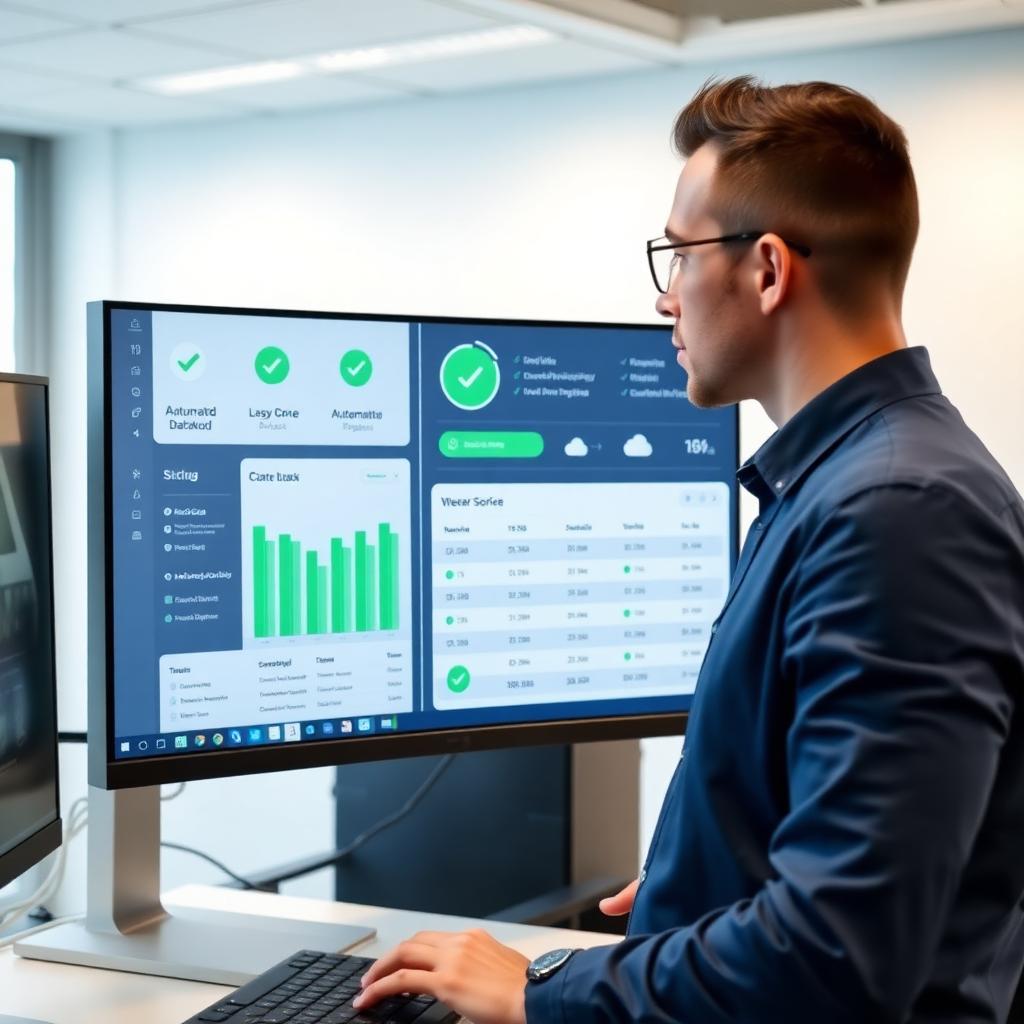
If a backup depends on a person remembering to run it, it isn't a system — it's a hope. A proper data backup Inland Empire setup runs automatically, multiple times per day, without anyone needing to think about it. Files, databases, and configurations are captured continuously in the background while your team keeps working.
Offsite and Encrypted
A backup stored in the same building as the original files protects against almost nothing. Fire, theft, flooding, or a ransomware attack that spreads across a local network can take both copies down together. SimpleTech Helper configures encrypted, offsite (cloud-based) backups so a disaster at your physical location doesn't become a total data loss event.
Tested Recovery — Not Just Stored Files
This is the step almost everyone skips. A backup that has never been restored is an assumption, not a guarantee. SimpleTech Helper performs regular test restores so that when you actually need your data back, you already know it works — and how long it takes.
📞 Worried About What Would Happen If You Lost Everything Tomorrow?
SimpleTech Helper designs and manages automated, encrypted data backup systems for small businesses across the Inland Empire — built to survive ransomware, hardware failure, and human error. Call us at (909) 255-9112 or visit simpletechhelper.com/managed-it-services-montclair for a free backup assessment. No rushing. No jargon.
Common Data Backup Mistakes Inland Empire Businesses Make
Relying on a Single Backup Location
Whether it's one external drive or one cloud folder, a single copy of your data is one incident away from being your only copy of nothing. A resilient data backup Inland Empire strategy keeps multiple copies in multiple locations — typically a local copy for fast recovery and an offsite copy for true disaster protection.
Never Testing a Restore
Backups fail silently far more often than business owners realize — a misconfigured job, a full storage drive, or a software update can quietly break backups for weeks before anyone notices, usually right when a restore is needed most.
Backing Up Files but Not Systems
Documents and spreadsheets are important, but so are your email configurations, accounting software settings, and line-of-business applications. SimpleTech Helper builds backup plans that cover the systems your business actually depends on, not just the files sitting on a desktop.
Ransomware and Why Backups Are Your Last Line of Defense
Ransomware attacks encrypt a business's files and demand payment for the decryption key — and paying doesn't guarantee you'll get your data back. According to CISA's guidance on ransomware protection, maintaining offline or offsite backups that are regularly tested is one of the most effective defenses against ransomware, because it removes the attacker's leverage entirely. If your data is safely backed up and recoverable, a ransomware demand becomes an inconvenience instead of a crisis.
For Inland Empire small businesses, this is often the difference between a few hours of downtime and a business-ending event. SimpleTech Helper designs backup systems specifically with ransomware recovery in mind — including versioned backups that let you roll back to a point before an attack occurred.
How SimpleTech Helper Builds a Backup Strategy That Works
SimpleTech Helper starts every engagement with an assessment: what data matters most, how quickly you'd need it back, and what systems it lives in. From there, we configure automated backup schedules, encrypted offsite storage, and regular test restores — then we monitor the whole system so a failed backup gets caught and fixed before it ever becomes a problem.
According to the Federal Trade Commission's small business cybersecurity guidance, regular data backups are one of the most cost-effective protections a small business can put in place — and one of the most commonly neglected. SimpleTech Helper makes sure that's not the case for the businesses we support throughout Montclair, Ontario, Upland, Rancho Cucamonga, and Claremont.
Frequently Asked Questions
Q: How often should my business data be backed up?
A: Most businesses benefit from backups running multiple times per day for critical systems, with daily backups for general files. SimpleTech Helper configures the schedule based on how much data your business could afford to lose if something happened right before a backup ran.
Q: Is cloud backup secure enough for sensitive business data?
A: Yes, when configured correctly. SimpleTech Helper sets up encrypted cloud backups with access controls, so your data is protected both in transit and in storage — often more securely than an unencrypted drive sitting in an office.
Q: How quickly could we recover if we lost everything?
A: It depends on your setup, but with a properly configured data backup Inland Empire businesses use through SimpleTech Helper, most recoveries can begin within hours, not days. We document recovery time expectations as part of every backup plan.
Q: We already use cloud storage like Google Drive or Dropbox — isn't that a backup?
A: Not by itself. Cloud storage syncs changes, including accidental deletions or ransomware encryption, across all your copies. True backups are separate, versioned, and recoverable to a point in time before something went wrong.
Q: What does it cost to set up proper data backup for a small business?
A: It varies based on how much data you have and how quickly you'd need it restored, but it's almost always far less than the cost of even a few days of downtime. SimpleTech Helper provides a free assessment and a clear, predictable monthly cost.
Don't Wait for a Data Loss Event to Find Out Your Backups Don't Work
The businesses that recover fastest from ransomware, hardware failure, or accidental deletion aren't the ones that got lucky — they're the ones that had a tested, automated data backup Inland Empire plan in place before they needed it.
SimpleTech Helper has helped businesses throughout Montclair, Ontario, Upland, Rancho Cucamonga, and Claremont put real backup systems in place — and confirmed those systems actually work. Call us today at (909) 255-9112 or visit simpletechhelper.com/tech-support-montclair to schedule your free backup assessment. No overlays, no shortcuts — a team that answers the phone.
SimpleTech Helper is a managed IT company serving small businesses in Montclair, CA and the Inland Empire including Claremont, Ontario, Upland, and Rancho Cucamonga. Call (909) 255-9112 or visit simpletechhelper.com.